CAISSA Tools
CAISSA Scanner: Convert a Chess Image into a Position for Analysis
Take a photo or choose a compatible chessboard image, review the recognized position, correct it when needed, and continue with Stockfish analysis.
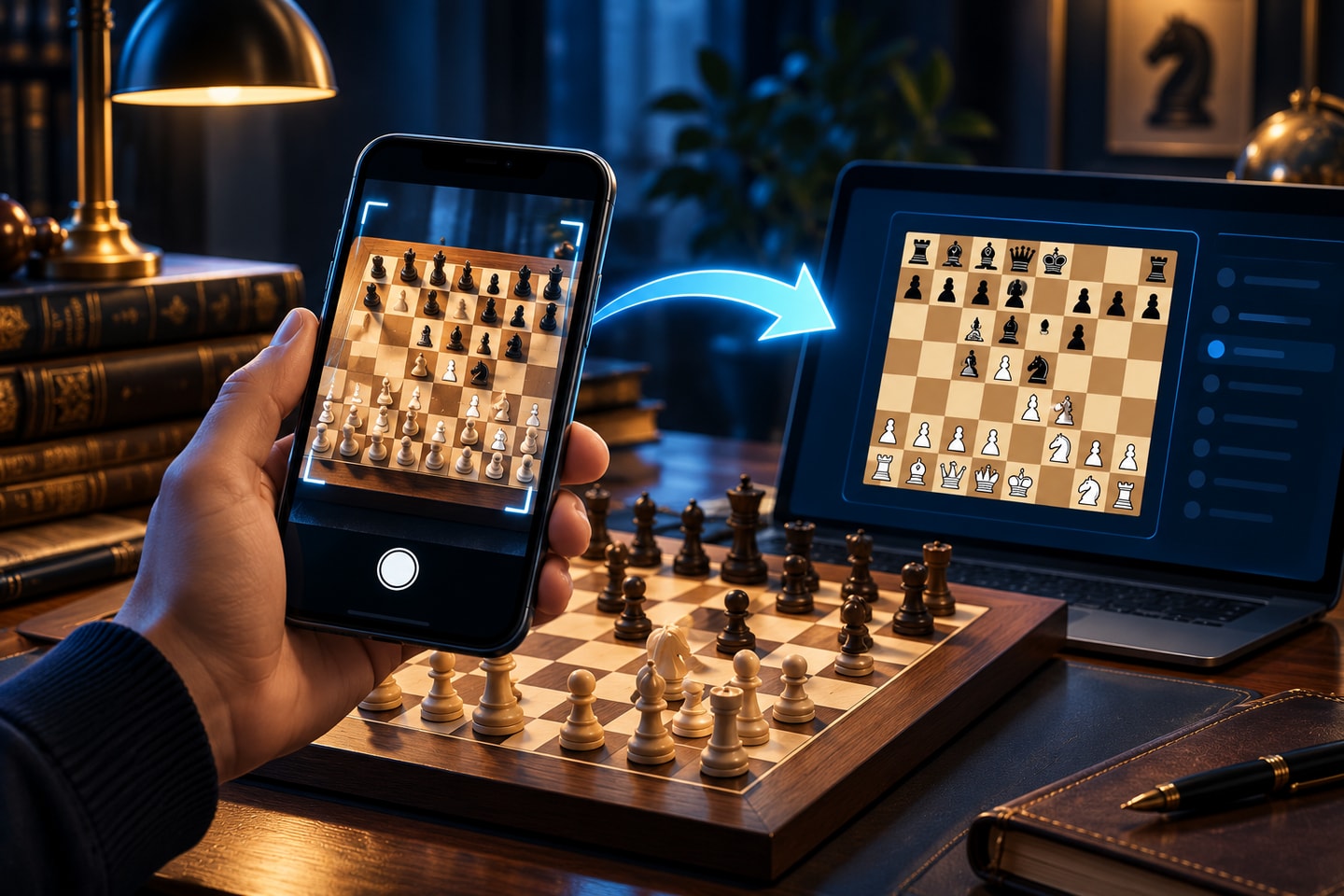
A useful chess position can appear almost anywhere: in a screenshot, on a website, during a broadcast, in a printed diagram, or on a board photographed with a phone. Rebuilding all 32 squares by hand interrupts the moment of discovery. CAISSA Scanner shortens that path by turning a compatible image into an editable position that you can check and analyze.
Scanner is available as a public beta. It recognizes the visible board, but it does not pretend to know information that the image cannot provide. Before analysis, you remain in control of the pieces, orientation, side to move, and other position details. That review step makes the tool practical for study while keeping its limits clear.
From an Image to an Editable Chess Position
Recognition starts the setup; your review completes it
Open Scanner on a phone to take a photo with the rear camera or choose an existing JPEG, PNG, or WebP image. On desktop, the page also provides a QR code and a direct mobile link, making it easy to move the capture step to the device already in your hand. The best inputs show one complete 2D board clearly, with all four edges visible and as little glare or perspective distortion as possible.
After recognition, Scanner presents the position on an interactive board. Because board styles, piece sets, shadows, reflections, and camera angles vary, recognition can require corrections. Treat the result as a prepared draft rather than an unquestionable transcription: compare every rank and file with the source before continuing. A quick review is especially important when a tactic depends on a single defender or an apparently empty square.
Correct the Pieces, Turn, and Orientation
The editing workspace lets you add, replace, or remove pieces manually. You can choose White or Black to move, flip the board for a more comfortable view, and correct the canonical orientation when the source was shown from Black's side. Scanner may also ask which color was physically at the bottom when the orientation needs confirmation.
These controls matter because a still image does not contain a complete game record. Scanner cannot reconstruct earlier moves merely from the pixels, and details such as castling rights or an en passant opportunity may not be inferable from what is visible. Review the available position settings and use only information you actually know. When the board matches the source, apply and confirm the position.
Analyze the Confirmed Position with Stockfish
Once the position is confirmed, you can switch on Stockfish 18 in the same workspace. The analysis view reports an evaluation, search depth, and three principal variations so you can compare candidate continuations. An optional arrow marks the engine's current best move on the board, while the listed lines show how that suggestion may develop.
Engine output is most useful as the beginning of a question, not the end of one. Compare the suggested move with your own idea, follow the variations, and ask what tactical or positional feature changes the evaluation. Because the position came from an image, the quality of that exploration still depends on the accuracy of your review. If something looks surprising, check the board and side to move before drawing a conclusion.
How to Use CAISSA Scanner
The basic workflow is designed to stay short. You can use Scanner without signing in for the core capture, correction, and analysis flow. Account options remain available elsewhere in the product, but they are not required simply to turn a compatible image into a position and inspect it with the engine.
For the cleanest result, begin with a sharp image that contains the whole board. Avoid cropped corners, hands covering squares, extreme camera angles, or several boards in the same frame. If recognition is uncertain, choose another image or correct the position manually rather than assuming missing visual information has been recovered.
- Open CAISSA Scanner.
- Take or choose a clear image that shows the complete chessboard.
- Review the pieces, board orientation, and side to move.
- Correct anything necessary, then apply and confirm the position.
- Switch on Stockfish to explore the evaluation and candidate continuations.
Useful Ways to Bring a Position Back to the Board
Scanner is well suited to personal study. You can revisit a position saved in a screenshot, transfer a diagram from an article into an interactive board, or examine a tactical idea noticed in a broadcast after the game. It can also reduce setup time when you want to compare your calculation with an engine from a clearly photographed board.
Use analysis tools only where assistance is permitted. Scanner is intended for learning, review, and exploration, not for obtaining outside help during a game or event whose rules prohibit it. When the moment is appropriate, open CAISSA Scanner, check the recognized board carefully, and turn the position you found into a new study session.